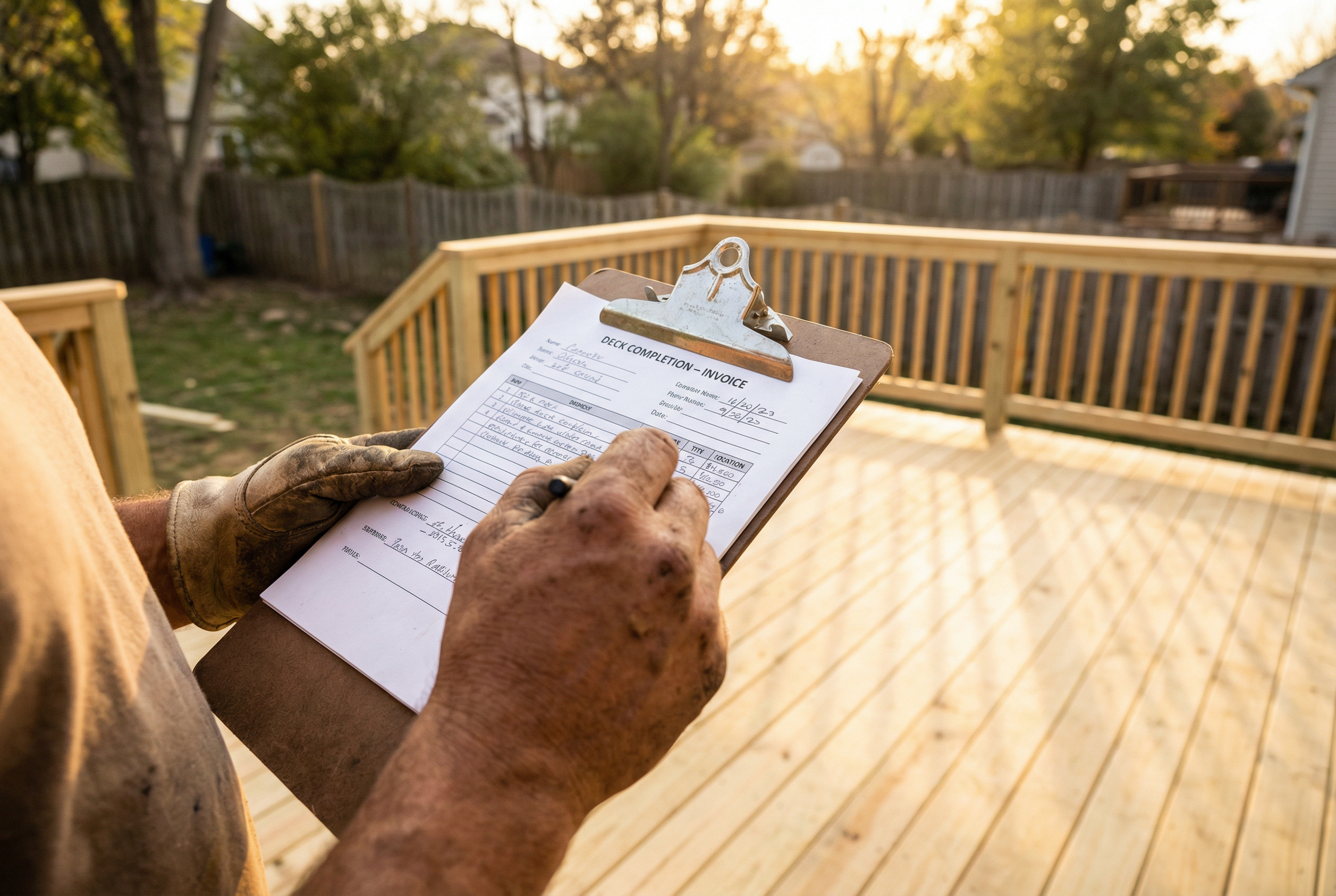
How to Write a Professional Invoice as a Plumber, Electrician, or Contractor
Your invoice is the last thing a customer sees from you. It's your final impression — and it either reinforces the quality of your work or undermines it. A professional, detailed invoice says "I run a real business." A vague, handwritten note says the opposite.
This guide covers exactly what to include in a professional invoice, how to structure it, and how to make the process fast enough that you'll actually do it on the job site.
The 8 Elements of a Professional Trade Invoice
1. Your Business Name and Logo
This is non-negotiable. Even if you're a solo operator working under your own name, having a logo on your invoice is the single biggest signal of professionalism. It takes minutes to set up in MyToolbelt, and the difference in how customers perceive your business is significant.
2. Your Contact Information
Include your phone number, email address, and business address (or at minimum, your city and state). Customers need to know how to reach you if they have questions about the invoice.
3. Invoice Number and Date
Every invoice should have a unique number (Invoice #001, #002, etc.) and the date it was issued. This is essential for your own record-keeping and for any disputes that arise later.
4. Customer Name and Address
Include the customer's full name and the address where the work was performed. For commercial customers, include the company name and contact person.
5. A Clear Description of Work Performed
This is where most tradespeople undersell themselves. Be specific. Don't write "plumbing work" — write "Replaced main shutoff valve (3/4 inch ball valve), installed new copper fittings, tested for leaks." This level of detail:
- Protects you from disputes ("I didn't know that's what you were doing")
- Demonstrates the value of your expertise
- Makes it easier for customers to approve payment quickly
6. Itemized Materials with Prices
List every material you used, with the quantity and unit price. This transparency builds trust and prevents the most common source of invoice disputes. If you used a $45 ball valve and $23 in copper fittings, list them separately.
MyToolbelt's voice-to-invoice feature automatically looks up current prices for materials you mention — so you don't have to remember what everything cost.
7. Labor Hours and Rate
State your hourly rate and the number of hours worked, or provide a flat rate for the job with a clear description of what it includes. If you have a minimum service call fee, include it as a line item.
8. Deposit Paid and Balance Due
If the customer paid a deposit, show it clearly:
| Description | Amount |
|---|---|
| Total Job Cost | $850.00 |
| Deposit Paid (5/12/2026) | -$250.00 |
| Balance Due | $600.00 |
This eliminates confusion and makes it easy for the customer to know exactly what they owe.
Payment Terms and Methods
Always state your payment terms clearly. Common options:
- Due on Receipt — payment expected immediately upon receiving the invoice
- Net 7 — payment due within 7 days
- Net 15 — payment due within 15 days
Also list the payment methods you accept. The more options you offer (cash, check, Venmo, credit card, bank transfer), the faster you'll get paid.
A Note on Invoice Timing
The best invoice is the one that gets sent immediately. Every hour you wait after completing a job is an hour where you're more likely to forget a detail, and an hour where the customer's enthusiasm about the completed work is fading.
The driveway method — sending the invoice before you leave the job site — is the most effective habit you can build. With MyToolbelt's voice-to-invoice feature, this takes less than two minutes.
Trade-Specific Invoice Tips
For plumbers: Always note the location of work (e.g., "master bathroom, second floor") and any permit numbers if applicable. Include the make and model of any fixtures or parts installed.
For electricians: Note the panel location, circuit numbers affected, and any code compliance work performed. This protects you from liability and demonstrates your professionalism.
For HVAC technicians: Include the make, model, and serial number of any equipment serviced or installed. Note the refrigerant type and quantity used.
For general contractors: Break down labor and materials by phase or trade. This makes it easy for customers to understand what they're paying for on complex projects.
Make It Fast Enough to Actually Do
The biggest obstacle to professional invoicing isn't knowledge — it's time. Most tradespeople know they should send detailed invoices, but the manual process of typing everything in is slow enough that it gets pushed to "later."
MyToolbelt solves this with voice-to-invoice: describe the job out loud, and the app builds the invoice automatically. It's fast enough to do in the driveway, every time.